

What Our YouTube to MP4 Converter Does Better
Actual MP4 Files, Not Renamed Junk
Some YouTube converters are sketchy - they just rename WebM files to .mp4 and hope you don't notice. Those won't play on many devices.
We properly convert videos to real MP4 using H.264 codec. That means:
- Plays on literally everything - iPhones, Androids, old laptops, smart TVs
- No 'format not supported' errors when you share files
- Works in video editors like iMovie, Premiere, DaVinci Resolve
- 30-50% smaller file sizes - same quality, way less storage space
Want proof? Right-click your downloaded file, check Properties/Details - you'll see H.264 video codec. That's the real deal.
Get the Quality That's Actually There
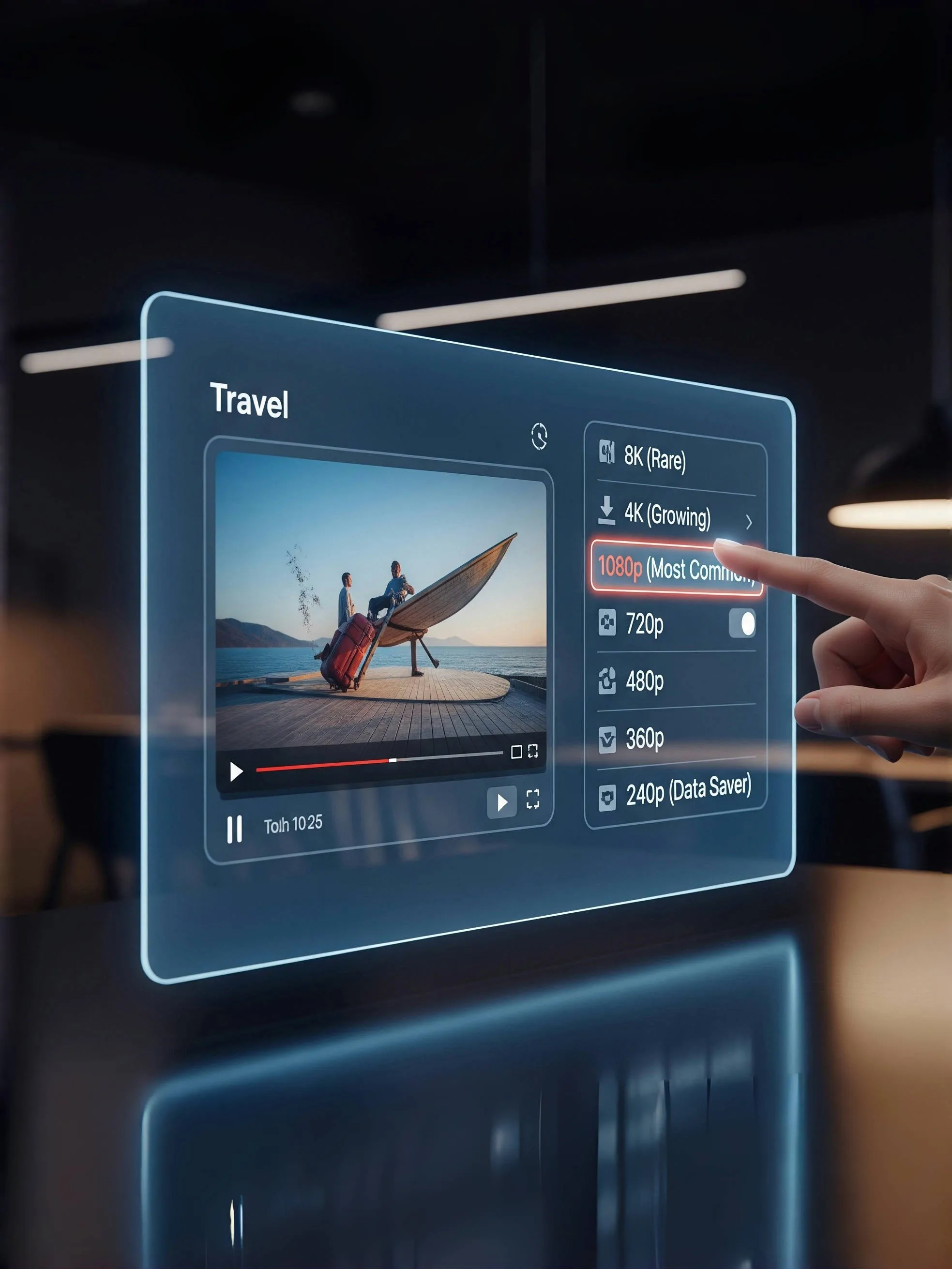
Tired of sites claiming '4K AVAILABLE!' when the video maxes out at 720p? Yeah, us too.
- 4K Ultra HD - if the creator uploaded in 4K, you'll see it
- 2K/1440p - growing on YouTube, especially gaming channels
- 1080p Full HD - the sweet spot for most videos
- 720p, 480p, 360p - always available as fallback options
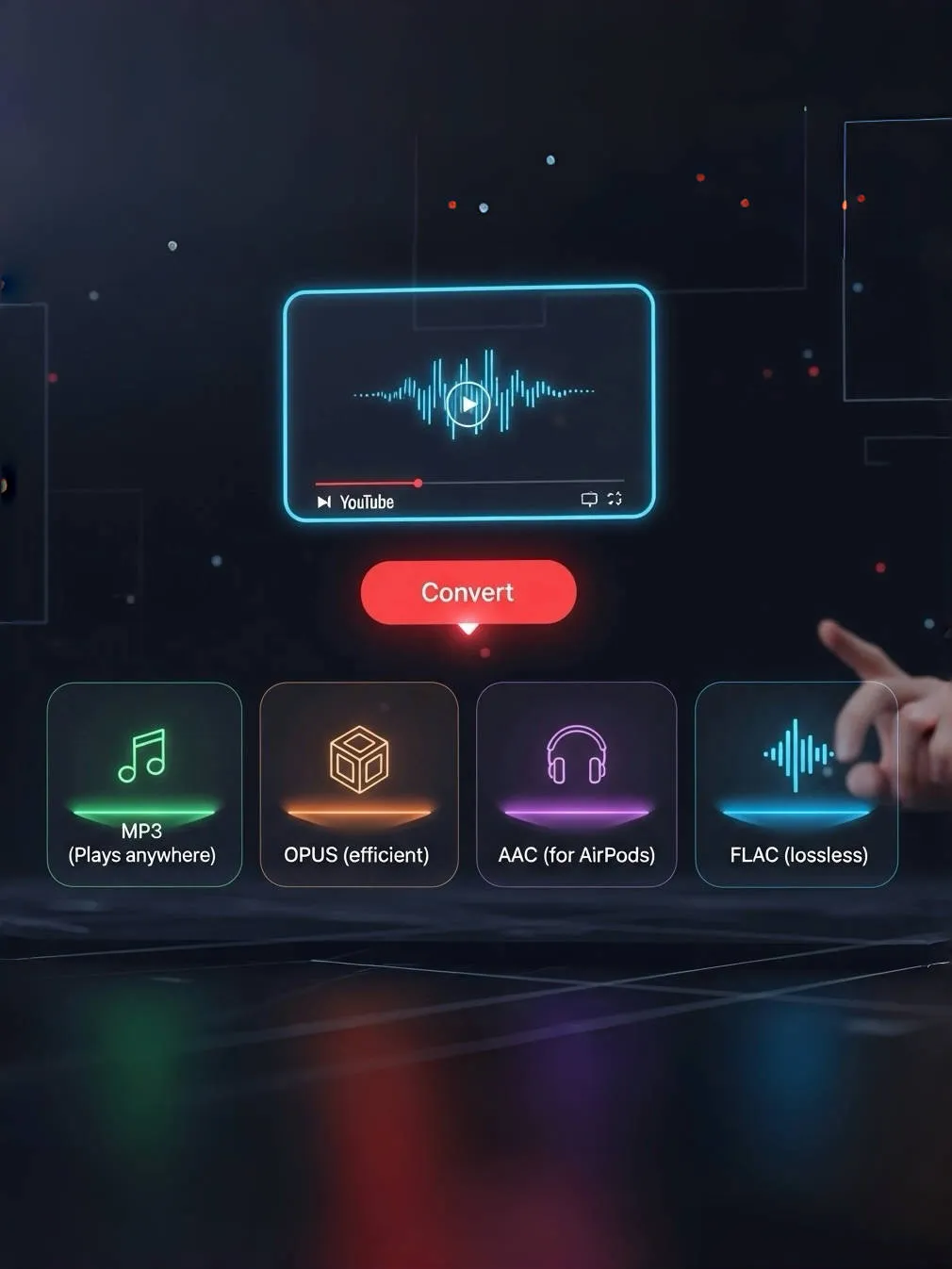
Most qualities available in both MP4 and WebM formats. MP4 works everywhere and keeps files compact (typically 50% smaller than WebM) - that's what most people pick. WebM's there if you need it though. Need just the audio? We've got M4A and OPUS formats too - perfect for music videos or podcasts.
Fast Downloads, Zero Dark Patterns
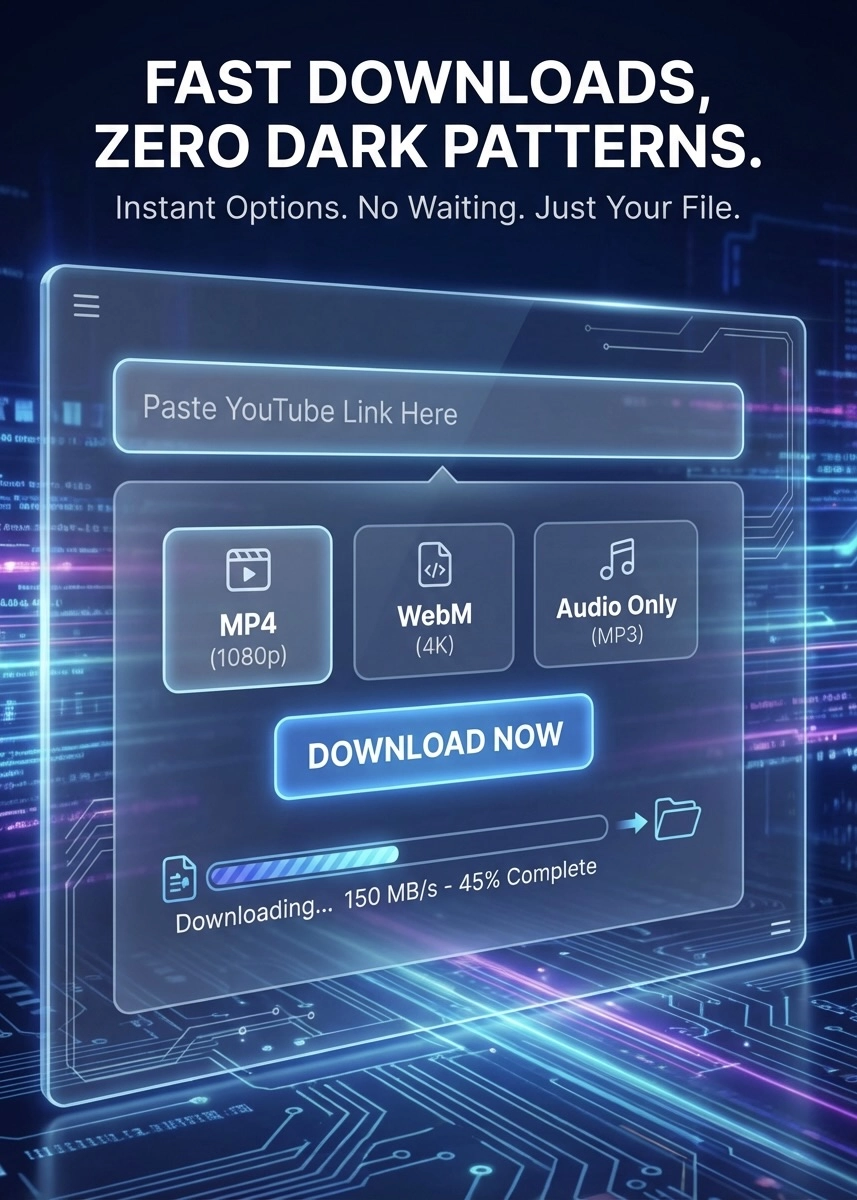
No fake download buttons. No 'analyzing your video' spinner that takes forever. No premium users getting priority.
- Paste the link and see all your options right away
- Pick your format and quality - MP4, WebM, or audio-only
- Click download and it actually starts downloading
- No waiting, no tricks, no BS - just your file
No progress bar that freezes at 99%. No 'wait 60 seconds' timers. No captchas before downloading. No popup ads disguised as download buttons. Just a clean interface that does what it says.
